1 install docker also
2. clone the repo, cd to it and run
uv sync
- update the code here: evaluation_utils/game_server_launcher.py · master · AIcrowd / Challenges / Orak Game Agent Challenge 2025 / orak-2025-starter-kit · GitLab if you are going to run with uv, it should be “uv”, “run”, “python”, instead of “python”
- use the absoluate path for roms, and run with uv
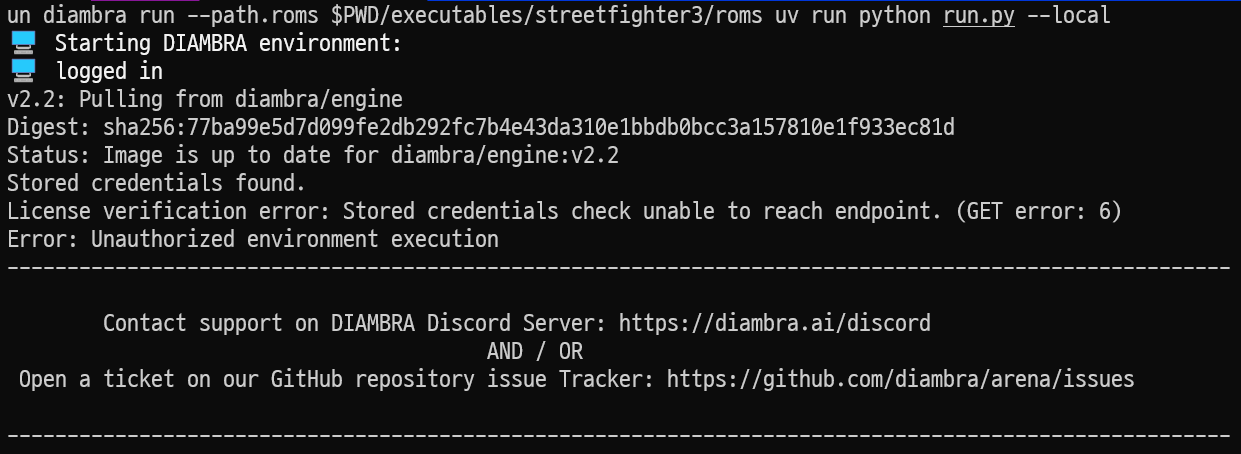
uv run diambra run --path.roms /d/path/to/orak-2025-starter-kit/executables/streetfighter3/roms uv run python run.py --local --games twenty_fourty_eight
-
for me, only twenty_fourty_eight and super_mario works on local
for the rest games, I met these issues:
star_craft:
SC2 installation not found: File ‘C:\Program Files (x86)\StarCraft II\Versions’ does not existstar_craft:
{grpc_status:1, grpc_message:“Cannot open "/opt/diambraArena/roms/sfiii3n.zip": No such file or directory.\nYou need to put the Game rom file in the roms directory.\n”}"pokemon_red:
FileNotFoundError: ROM file ./executables/pokemon_red/pyboy/pokered.gbc was not found!