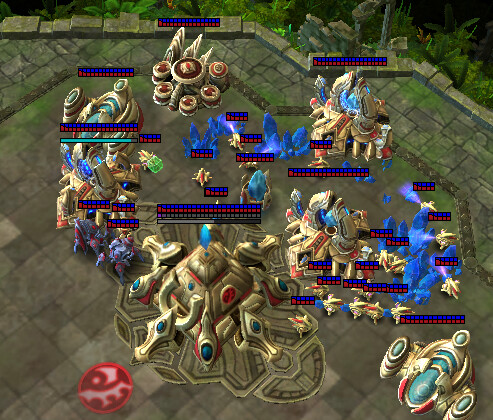
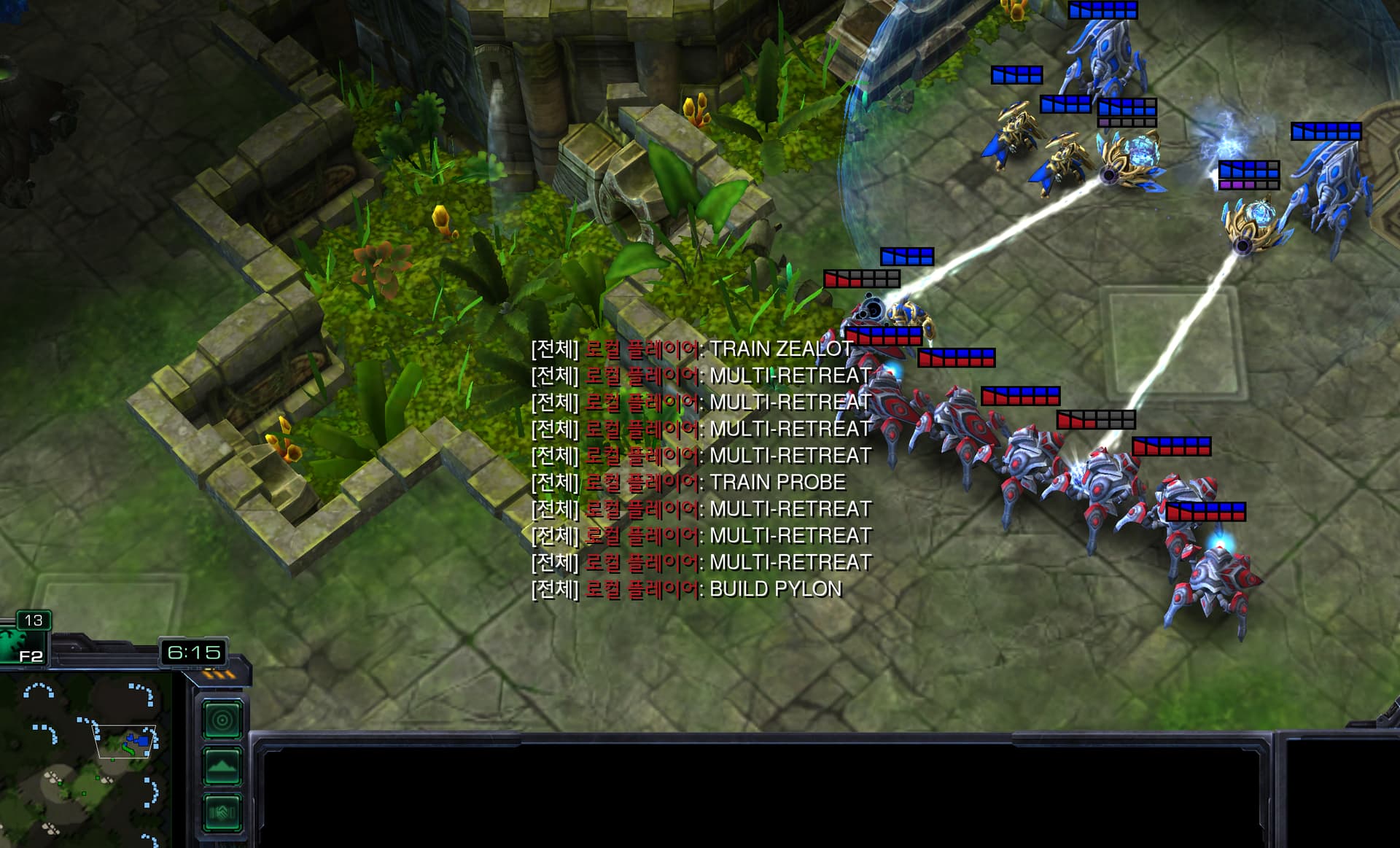
There is a crash issue in StarCraft 2.
While executing a strategy of defending with Photon Cannons followed by an attack, the simulation would irregularly crash and terminate.
Upon debugging, the problem was traced to building placement. According to bots.py, a building can only be constructed once best_position is determined. When the surrounding area search repeatedly fails to find a suitable location, best_position remains None, causing a crash when attempting to build.
In the bots.py file, within the function:
python
async def handle_action_build_building(self, building_type: UnitTypeId, building_limits=None):
There is this commented section:
python
# if not best_position:
#     print(f"Still no suitable position found for {building_type}. Aborting.")
#     return
Fix: Uncomment this section so that if best_position cannot be found, the function simply skips the build:
python
if not best_position:
    print(f"Still no suitable position found for {building_type}. Aborting.")
    return
This change prevents the crash by gracefully handling cases where no valid building location is found, allowing the bot to continue running instead of terminating the simulation.
1 Like
so, defending with cannons is not gonna work.
many fails happen when try to build cannons.
(couldn’t find best_position)
1 Like
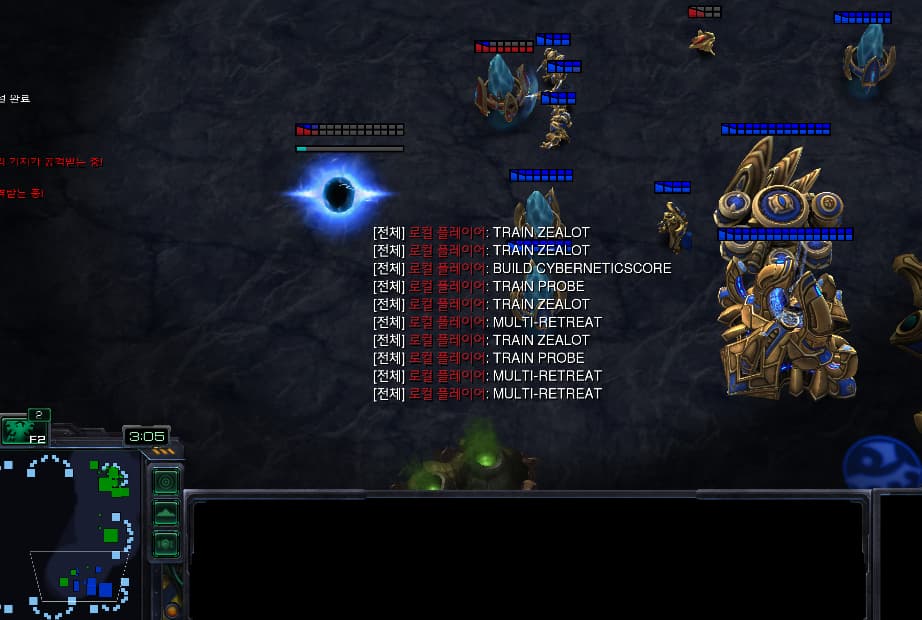
This is very critical…
When they just skip to build an important building such as PYLON.
It’s very confusing should I consider, this will be happened in real-test too, so should I try to over-building.
If someone wants to re-make this bug, just keep building ‘BUILD PYLON’, after three of them it just stop building.
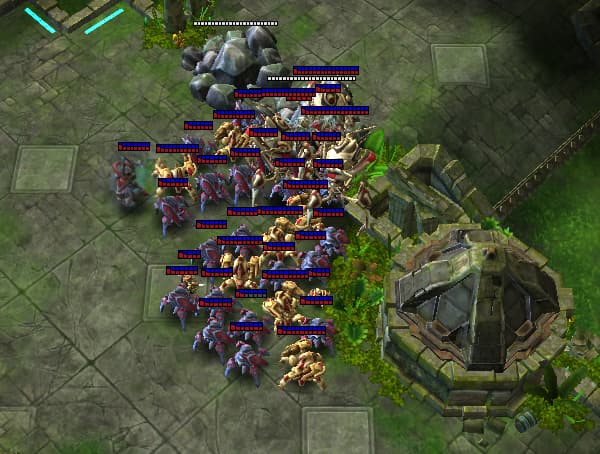
This map is not good.
My units can’t go attack because of the ROCK obstacle. (They stucked there almost a few minutes after ‘MULTI-ATTACK’)
Thank you for reporting this crash issue and providing a detailed analysis with the solution. We appreciate your thorough investigation and contribution to improving the environment for all participants.
Regarding Issue (1) - Crash when best_position is None:
You’re absolutely right. We acknowledge this is a critical bug that causes the simulation to crash when no valid building position can be found. We will implement your suggested fix by uncommenting the validation check in bots.py:
if not best_position:
  print(f"Still no suitable position found for {building_type}. Aborting.")
  return
This will prevent crashes and allow the bot to gracefully skip the build action when no suitable position is available. We’ll deploy this fix shortly.
Regarding Issue (2) - Building placement clustering and pylon failures:
We’ve noted the concerns about buildings being placed too close together and pylons failing when no space is available. While we understand these situations may not align with typical human gameplay patterns, we’d like to clarify our position on this:
-
Level playing field: All participants face the same environmental conditions and constraints, ensuring fairness in the competition.
-
Agent adaptability: A key aspect of this challenge is developing agents that can adapt to in-game constraints. Your agent should be able to:
- Recognize when building placements are failing
- Reflect on unsuccessful actions through observation
- Adjust strategies accordingly (e.g., space out buildings, reduce pylon construction frequency, expand to new bases)
-
Risk of unintended consequences: Making hasty modifications to the core building placement logic at this stage could introduce new bugs or unpredictable behavior changes that might affect ongoing submissions and strategies.
For these reasons, we’ve decided to maintain the current bots.py building placement logic as-is for now, beyond the critical crash fix mentioned above.
We encourage you to design your agent’s decision-making process to work within these constraints - this is part of the challenge! If you continue to experience issues that you believe are genuine bugs (rather than environmental constraints), please don’t hesitate to report them.
Thank you again for your valuable feedback and active participation in the challenge!
Thanks for your response.
I’ve identified several issues, and I’ll describe them starting with the most critical one.
(1) Crash
This is a critical crash that causes the simulation to fail and therefore must be fixed.
After applying the fix, building actions can still fail.
**(2) Multi-RETREAT **
When enemy is going back to their base (after fight), my units automatically follow them to the enemy main base.
In this situation, it appears that the retreat target position is updated to the combat destination (i.e., the enemy main base), causing the retreat behavior to effectively function the same as an attack command.
As a result, there is currently no reliable way to make units retreat.
(3) Minimum distance for building placement
There seems to be a minimum distance constraint when placing buildings such as pylons.
On extremely small maps like FLAT64, this can result in pylons being placed very close to the enemy main base.
(4) Replay file (minor)
Each execution runs three episodes. However, the replay files use the same filename and overwrite each other, so only one replay file remains.
If replays are intended to be saved per episode, the filename logic would need to be modified to generate a separate replay file for each episode.
While it is true that participants are expected to account for these constraints, this is quite unexpected situation when playing startcraft.
and I understand that some participants have already developed under this environment, so too late to
update the code.
1 Like
MAX_STEPS value doesn’t work in Star2 in original code.
I have a game log that played 2 hours.
there were 2 reasons
(1) ‘MULTI-ATTACK’ cannot destroy all of enemy’s building (some of theirs are built in the corner)
(2) MAX_STEPS (ex., 1000 steps) didn’t work.
in star_craft_env.py.
def check_process(self, reset=False):
    ctx = getattr(self, "_mp_ctx", multiprocessing.get_context())
    if self.p is not None:
        if self.p.is_alive():
            #if not self.game_over.value:  # should be changed like below. after MAX_STEPS doesn't mean it is game_over
            if not self.game_over.value and not reset:  # Check if the game is over
                return  # Return ONLY if game is running AND we are NOT resetting (MAX_STEP)

            # KILL PROCESS LOGIC (depends on the OS)
            self.p.terminate()
To re-make this bug,
in common.py
change star_craft value to low, it is not gonna finished after that max_step.
MAX_STEPS = {
“twenty_fourty_eight”: 1000,
“super_mario”: 100,
“pokemon_red”: 200,
“star_craft”: 50,
}